❌ Closing a Qonto Account: Procedure, Timing, and Precautions (2026)
Summarize this article with AI
Open the article in your preferred AI to summarize, explore and save it for later.
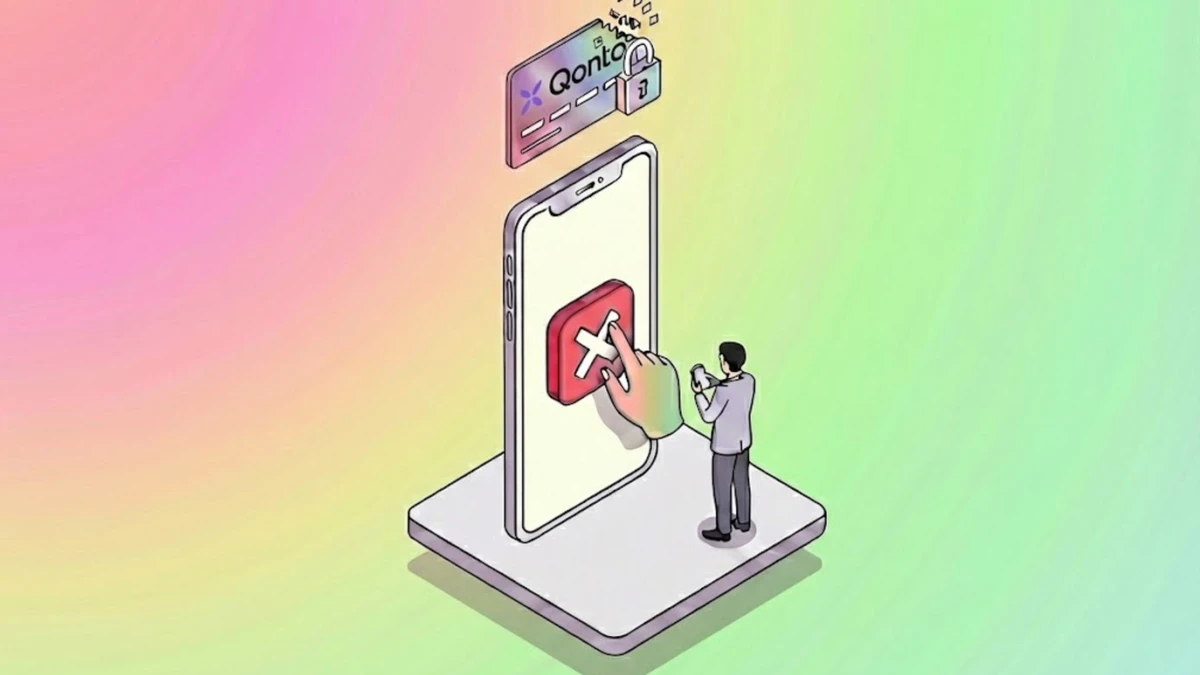
Want to close your Qonto account? Warning: the balance must be strictly €0 to validate the process.
Heropay guides you step-by-step to cancel online without locking your accounting data.
The closing procedure at Qonto is 100% digital and does not require sending a registered letter.
For the request to be validated, your account balance must be strictly equal to €0 (neither positive nor negative) and no transactions must be pending.
Closure is effective on the last day of the current month (if requested before the last day), meaning you may still be billed for the started month.
If you are leaving Qonto because you need financing or cash yield, alternatives like Heropay offer these advanced financial services in Europe.
 The Blocking Prerequisite: The €0 Balance Rule
Unlike a traditional bank that can transfer the remaining balance upon closure, Qonto requires you to empty the account yourself before starting the procedure.
You must therefore make an external transfer to your new bank so that the balance reaches exactly €0.00. If your account is overdrawn (for example due to unpaid subscription fees), you must top it up. As long as the balance is not perfectly neutral, the close button will remain inactive or return an error message.
Furthermore, check that no card transaction is "pending". An unfinalized operation will block the closure until it is fully accounted for.
 Tutorial: Closing the Account from Desktop or Mobile
The feature is sometimes hard to find as it is located in the billing settings, not in the general profile.
From a Computer (Recommended):
Log in to your Qonto interface.
Go to Settings (the gear icon at the bottom left).
Click on the Plan and Invoices section.
At the very bottom of the page, click on the red button "Close account".
From the Mobile App:
Open the Menu and go to Settings.
Select the Close account option.
Follow the instructions until confirmation.
 Timing and Billing: When Does the Account Really Close?
Closure is not instant. If you make the request on the 15th of the month, the account will technically remain open until the last day of the month. This implies that your plan's monthly fee for the current month remains due and will be charged.
Watch the calendar: If you initiate the request on the last day of the month (e.g., September 30th), the closure will only be effective at the end of the following month (October 31st). This will result in an extra month of billing. Anticipate your actions by a few days to avoid these unnecessary costs.
 Why Switch from Qonto to Heropay?
Qonto is an excellent management platform, but it reaches its limits on the purely financial side. Growing companies turn to Heropay (available in France, Germany, Italy, Spain) to go further:
Working Capital Financing: We allow you to finance your supplier invoices instantly (Reverse Factoring), whereas Qonto is limited to payments.
Yield: Your excess cash earns you up to 5% (welcome offer available in FR/IT/ES), turning your current account into a savings tool.
EU Infrastructure: Benefit from a robust French or German IBAN for your Eurozone operations.
 FAQ: Your Questions About Termination
 Can I retrieve my statements after closure?
Yes. Qonto retains read-only access for the administrator after closure. You will be able to log in to download the transaction history and bank statements necessary for your accounting balance.
 Can a closed account be reopened?
No, closure is irrevocable. The IBAN is permanently deactivated, and incoming transfers will be systematically rejected back to the sender. If you wish to return to Qonto, you will have to open a brand new account with a new IBAN.